
786JL Payments — Deposit and Withdraw With bKash, Nagad and Rocket on Your Phone
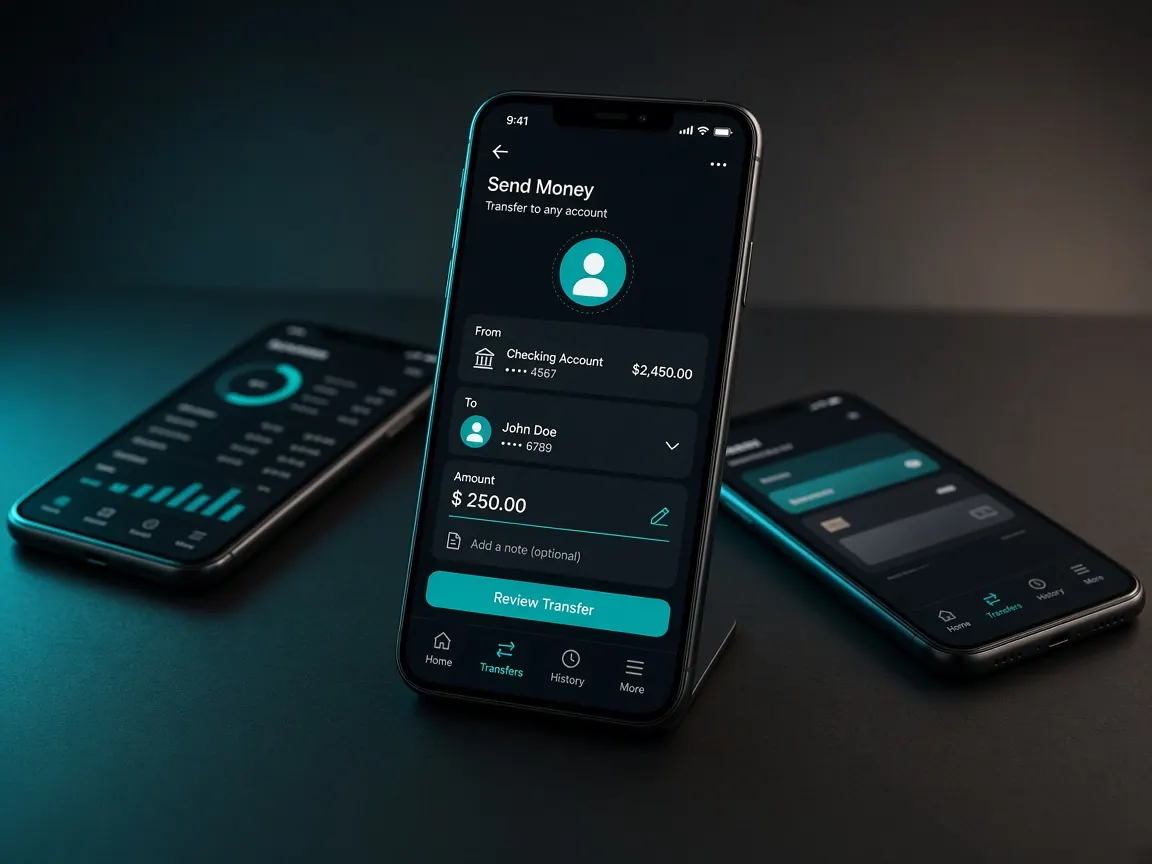
Both deposits and withdrawals happen in the 786JL lobby's cashier, and the money moves from your mobile wallet. On a phone, this means switching back and forth between the lobby and your wallet app — and that is where most mistakes happen. This page explains the whole process from a phone user's point of view. Fees, minimum or maximum limits and timing are whatever the lobby's cashier shows.
Get your phone ready before depositing
- Check that your bKash, Nagad or Rocket app is updated; older versions can have login trouble.
- If your battery is low, charge it first — the phone switching off in the middle of a transaction is risky.
- Keep the SIM your wallet is registered on active, because verification codes may come to it.
- If running the wallet app is a problem because of storage or data, the wallet's own USSD dial method can be an option — but always take the receiving number from the lobby's cashier.
How to deposit step by step
- Log in to the official lobby or app and open Cashier → Deposit.
- Choose bKash, Nagad or Rocket and enter the amount.
- Read the instructions and number the lobby shows carefully. Take a screenshot if needed, so you can match it in your wallet app.
- Go to your wallet app and complete the transaction. Check every digit of any number you copy-pasted.
- When the transaction is done, copy the transaction ID (TrxID) or take a screenshot.
- Go back to the lobby and, if needed, enter the ID to confirm your deposit.
Detailed guides for each wallet: bKash · Nagad · Rocket.
Be careful when switching apps
On a low-RAM phone, the lobby page may reload in the background while you are in the wallet app. That is why saving the lobby's instructions as a screenshot first is useful. If you come back to the lobby and see the page has reloaded, check your history before creating a new deposit request.
A small copy-paste trick
On Android, when you long-press to copy a number, many keyboards show it in the clipboard; you can paste it from there in the wallet app. On iPhone, tap the number field and choose "Paste". If you copy something else after copying, the earlier one is lost — so do not copy anything else until you have pasted it in the wallet, and always check it with your eyes after pasting.
Payment habits for weak data
If you have few signal bars or your data keeps dropping from 4G to 3G, it is better not to start a big transaction. Move somewhere with a good connection and finish the whole thing in one go. Do not keep calls or videos running in other apps during the transaction; they put pressure on both your phone's RAM and your data.
If your data drops or the balance does not arrive
- First check the transaction list in your wallet app — was the money really deducted?
- If it was deducted, do not send it again. Check the status in the lobby's deposit history.
- If the balance still has not arrived after a while, give your transaction ID and screenshot in the lobby's live chat.
- Do not try to show the same receipt as two deposits; this can get your account stuck in verification.
Withdrawals in short
Withdrawal requests are also made from the cashier. Use a wallet in your own name, usually the one you deposited with. Using someone else's bKash or Nagad can cause verification problems. If wagering is left on an active bonus, your withdrawal may be held. Full steps, verification photo tips and fixes for pending requests are in the withdrawal guide.
The most common mistakes
- Sending money to a personal number given by a Facebook page, Telegram or an "agent". Deposit only by the method shown in the cashier — agent scam warning.
- Sending money to a number from an old screenshot; check the cashier fresh every time.
- Treating promo banner text as final — the real details are in the cashier and the promo's full terms. See the bonus guide.
- Telling anyone your OTP or wallet PIN — real support never asks for these.
Keeping phone transactions safe
Keep fingerprint or face lock on in your wallet app, and use a PIN that is not your birth date or an easy sequence. Cover the screen when typing your PIN in public. If you lose your phone, tell the wallet provider's official helpline right away and change your lobby password.
Stick to your budget
Sending money from a mobile wallet is so easy that you can lose track of spending. Set a monthly limit before you play, and do not make new deposits to win back lost money. No game guarantees a win. If needed, see the responsible play page.
This is an unofficial guide site, not the official site. There is no cashier here. Check fees, limits and timing in the lobby. 18+ only.