
Depositing with bKash on 786JL — step by step on a phone
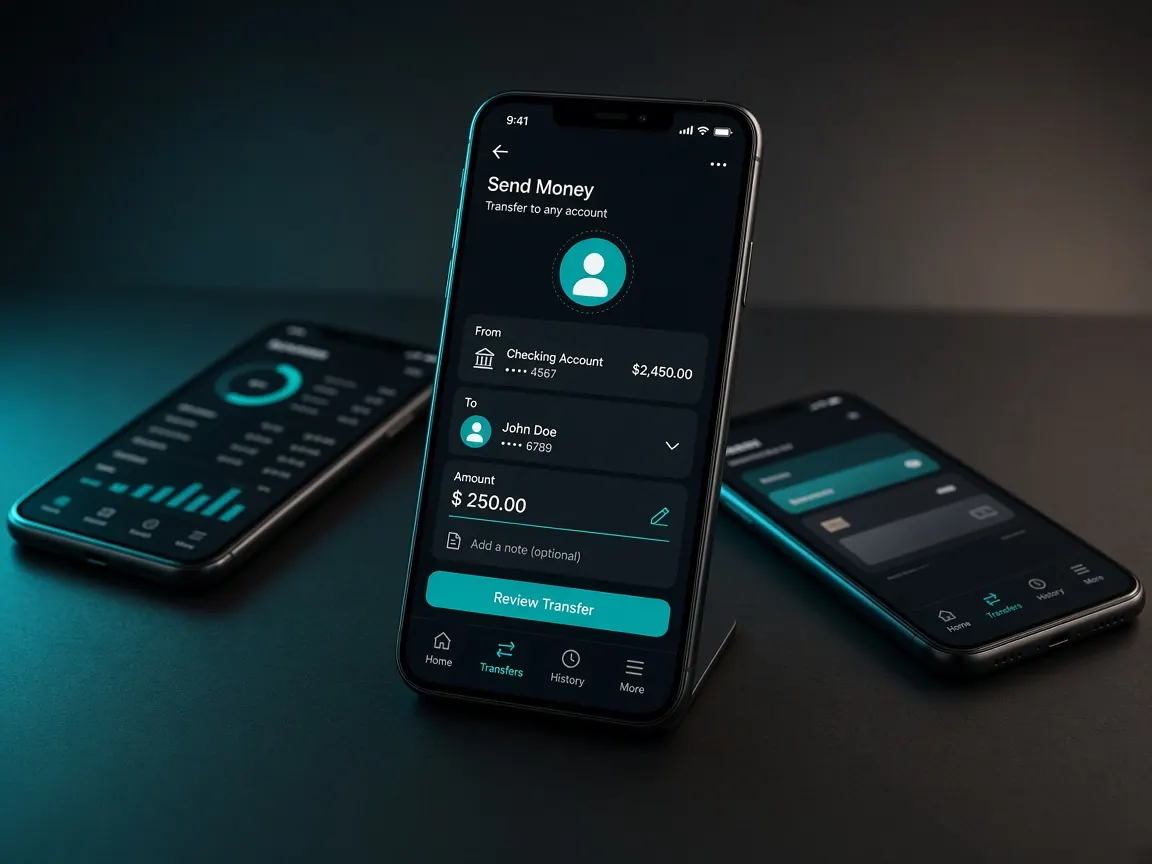
bKash deposits happen only in the official lobby cashier. On a phone the job is short, but you move between two apps — the lobby and bKash. That is where mistakes happen on a slow network. If someone calls themselves an "agent" and asks you to send money to a personal number, do not.
Deposit steps
- Log in to the official lobby.
- Open Cashier or Deposit.
- Choose bKash as the payment method.
- Follow the amount and instructions the lobby shows.
- After paying, go back to the lobby and check your balance. If it is late, tell the lobby chat.
Going from the lobby to the bKash app and back on your phone
During payment the bKash app or a payment page may open. On a low-RAM phone the lobby tab can close in the background. If you come back to a blank page or a login screen, do not panic.
- Close other apps before paying.
- Do not close the lobby page yourself; just go to bKash and come back.
- If it asks you to log in again, do so and check the cashier history.
Avoid paying twice on slow mobile data
On a weak network the "processing" spinner can turn for a long time. Tapping again can send money twice. Wait. First check the transaction list in the bKash app. If money left your wallet, do not send again; tell the lobby chat.
Browser or app — which is easier for deposits
Both use the same cashier. In the browser there is more risk of losing the tab while you switch to bKash, especially with many tabs open. The lobby app usually keeps the session longer. Without the app, keep only one lobby tab in the browser. If you want the app, get it only from the lobby button: download guide.
Screenshots to keep
- The bKash success page showing the transaction ID.
- The deposit history in the lobby cashier.
- Make sure no PIN or OTP is in the screenshot.
Safety warnings
- Ignore messages that ask for a screenshot and then for your password or PIN.
- Your bKash PIN and OTP are yours alone. Real support never asks for them.
- Withdrawal is a separate process — see the withdrawal guide.
- Other wallets: Nagad · Rocket. Basics: payments page.
Unofficial information site, not a game server. Login, balance and cashier only in the official lobby. 18+.