
Depositing with Rocket on 786JL — what to know on a phone
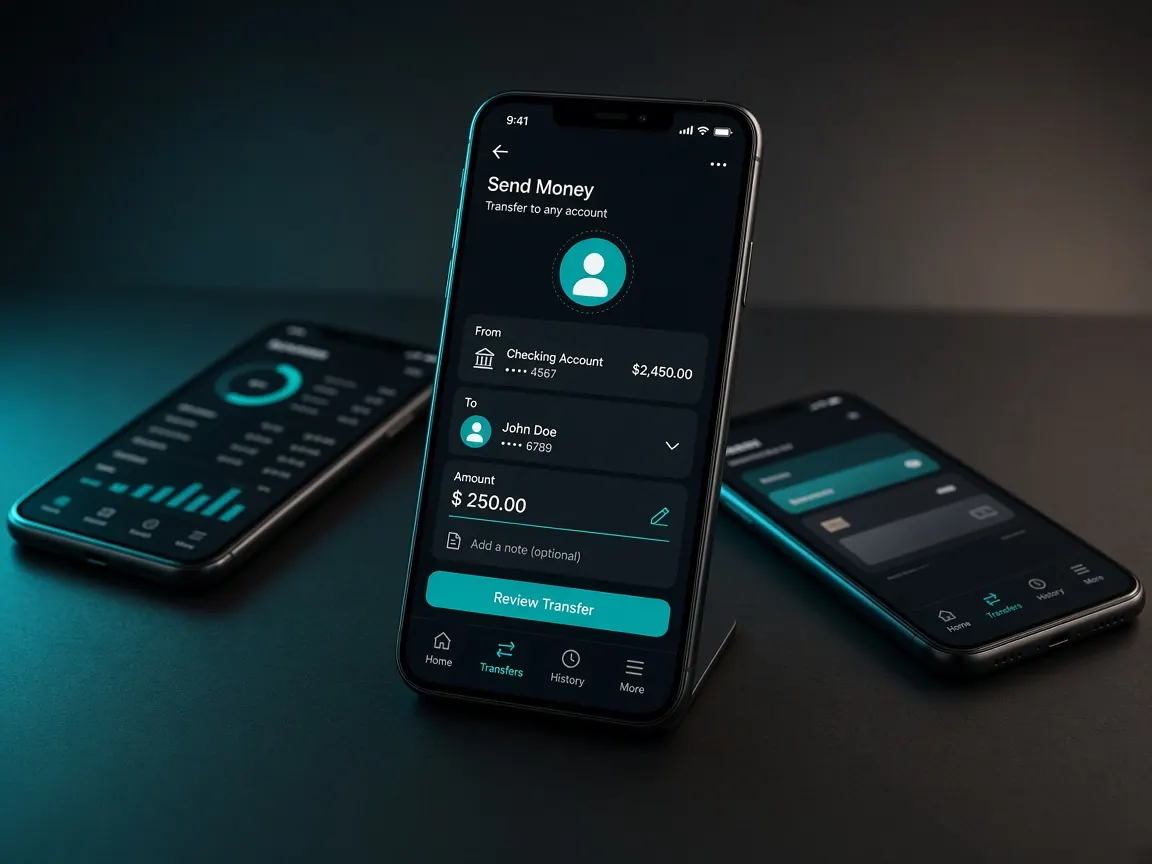
Rocket deposits happen only in the official lobby cashier. Never send money to a personal number that arrives in chat. Whether Rocket is live that day is shown by the cashier.
Deposit steps
- Open the official lobby and log in.
- Open the Cashier or Deposit menu.
- If Rocket is listed as a method, choose it.
- Follow exactly the amount, reference and steps the lobby shows.
- When it succeeds, check your balance. If it is late, tell the lobby live chat.
Rocket app or USSD on your phone
Many older phones do not have the Rocket app, or have no room for it. Then people dial the USSD menu. Either way the key point is the same — enter exactly what the lobby shows.
- The USSD menu times out quickly. Write the lobby details in a notebook or notes app first.
- Check the number and reference twice as you write them.
- Do not delete the SMS you get after paying. That is your proof.
When the network is weak or data runs out
If the lobby page loads slowly, the cashier details may only half appear. Never send money without seeing all of them. If the network drops after you pay, log back in and check the cashier history. If money left your wallet, do not send again; take the SMS or screenshot to chat.
Browser or app
The cashier is the same in both. With USSD a call-like screen opens and the lobby page in the browser goes to the background. On a low-RAM phone that page may reload. That is why writing the details down first matters. The lobby app usually keeps the session longer. Get the app only from the lobby button: download guide.
How it differs from bKash / Nagad
All three are Bangladeshi mobile wallets. The cashier shows which is live that day. Whichever wallet holds your balance is the easiest. Other guides: bKash · Nagad · payments overview.
Safety warnings
- If someone calling themselves an "agent" asks you to send to a personal Rocket number, stop.
- Never give an OTP or PIN in chat.
- Withdrawal is separate — withdrawal guide.
- This site has no Telegram channel: the 786JL link is disabled. Do not trust a Rocket number sent to you on Telegram.
Unofficial information site, not a game server. Login, balance and cashier only in the official lobby. 18+.