
Depositing with Nagad on 786JL — from your phone
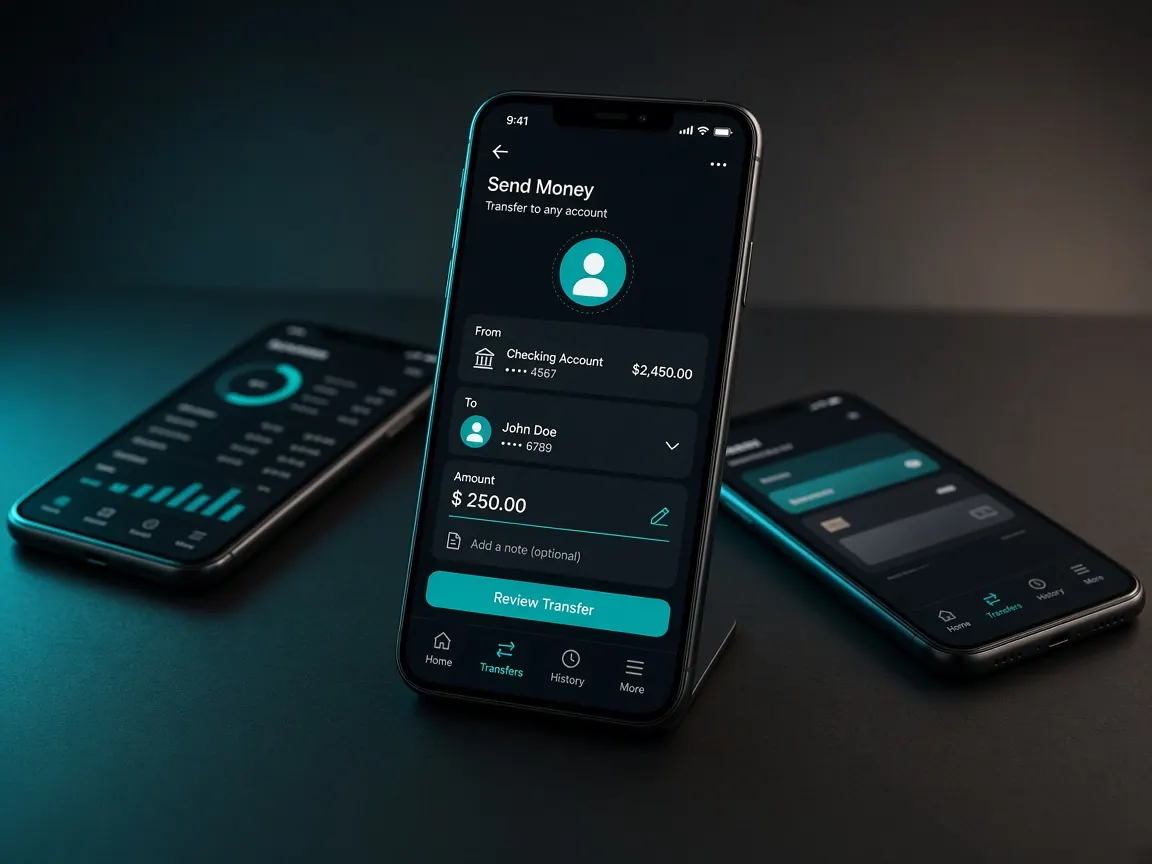
Nagad deposits also happen only in the official lobby cashier. Never send to an outside personal number. On a phone it takes a few steps. On a slow network it takes patience.
Deposit steps
- Log in to the lobby.
- Open Cashier → Deposit.
- Select Nagad.
- Complete the amount and steps the lobby shows.
- If the balance does not arrive, keep the reference and tell live chat.
When a Nagad payment stalls on your phone
On a cheap phone the Nagad app takes time to open. Meanwhile the lobby page can close in the background. And if the network drops, the payment can stop halfway.
- First check the Nagad app's transaction list. That shows whether money left.
- If it did, do not send again.
- Log back in to the lobby and check the cashier history.
- If it does not match, take a screenshot of the transaction to lobby chat. Keep PIN and OTP out of it.
When mobile data is low
Running out of data mid-payment causes trouble. Check both your wallet balance and your data before depositing. Wi-Fi is better if you have it. Do not toggle airplane mode or data in the middle of a payment; do it before or after.
Depositing in the browser or the app
Same account, same cashier. With many browser tabs open, the lobby tab may reload when you switch to Nagad and back. So close other tabs before depositing. The lobby app usually has this problem less. Get the app only from the lobby button: download guide. The list of screenshots to keep is on the bKash page — the same rules apply to Nagad.
bKash or Nagad
Use whichever wallet has the balance. The rules for both are in the lobby cashier, and it also shows which methods are live that day. Using the same wallet for withdrawal usually means fewer problems. bKash details: bKash guide. Rocket: Rocket guide.
Safety warnings
- If someone posing as an "agent" asks for money to a personal Nagad number, stop.
- Never give your Nagad PIN or OTP to anyone, even someone claiming to be support.
- Do not deposit from someone else's Nagad account. A name mismatch can cause trouble at withdrawal.
- Withdrawal steps: withdrawal guide. Basics: payments page.
Unofficial information site, not a game server. Login, balance and cashier only in the official lobby. 18+.