
786JL app — install on Android and iPhone, save space and fix common problems
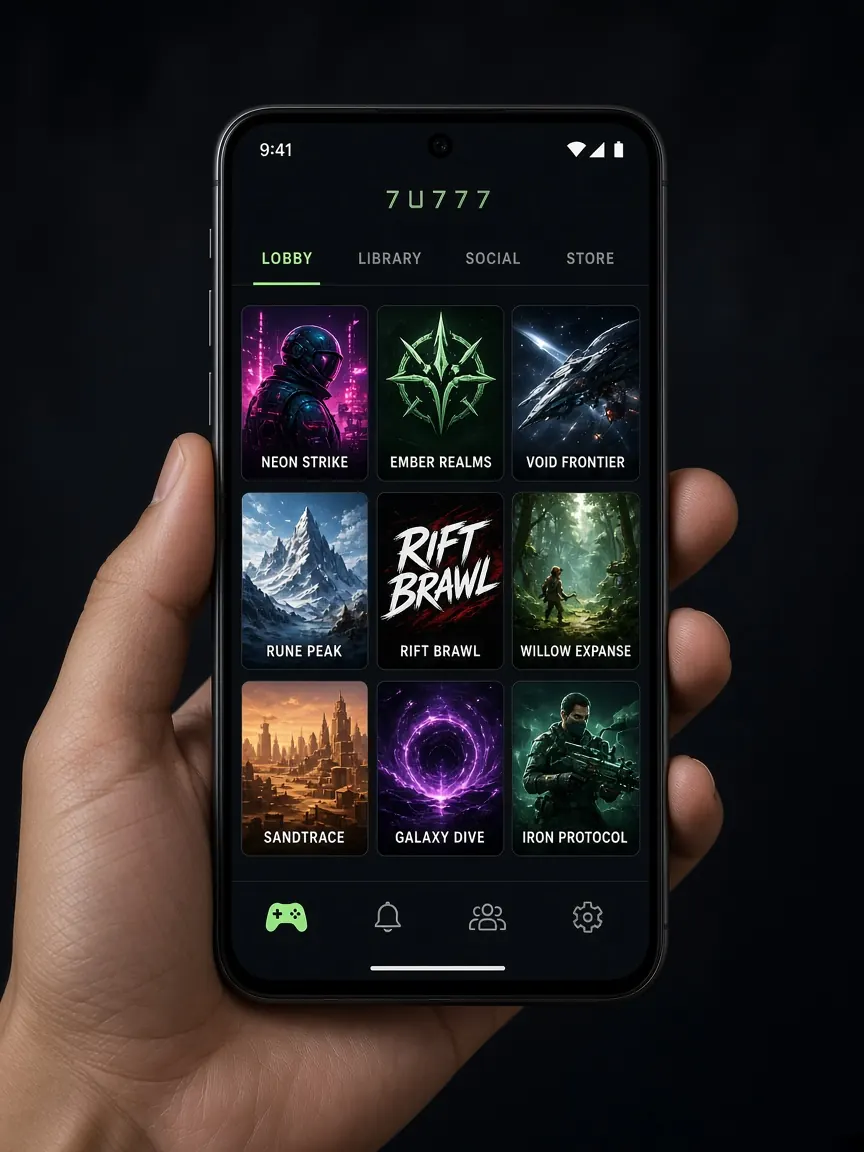
You do not need an expensive phone to use the 786JL lobby. This page shows how to get the app safely on Android and iPhone, what to watch on phones with little storage, and what to do step by step when the app will not open or update. Always get the app from the button inside the official lobby — this guide site does not host any files.
Decide first: do you even need the app?
The app is not required. Most things work fine if you open the lobby in Chrome or Safari.
- The browser is better if: your phone is nearly full, you play only now and then, or you do not want to deal with updates.
- The app is better if: you use it regularly, want to open it with one tap, or want notifications.
It is the same account and the same balance in both places — so it is no problem if you change your mind later.
How to install the 786JL app on Android
- Use Wi-Fi if you can, so you do not burn mobile data.
- Open the official lobby with the button on this page and tap the Android button.
- When the download finishes, open the file from the notification or the "Downloads" folder.
- If the phone asks for "Install unknown apps" permission, allow it only for the browser you used to download.
- After installing, you can turn that permission off again — this lowers the risk of installing some other file by mistake later.
- Open the app and log in with your own number and password.
Do not download the file from Telegram, Facebook or unknown APK sites. How to spot a fake app is in our fake sites and APK guide.
Which permissions are normal and which are not
Permission to use the internet or send notifications is normal. But be careful if the app asks to read SMS, see contacts, access call logs or control accessibility — a gaming app usually does not need these. You can check and turn them off any time in Settings → Apps → Permissions.
Using 786JL on iPhone
APK files do not work on iPhone. If the lobby has an iOS button, follow its instructions; if a profile or permission request appears, read the whole text and do not continue if you do not understand it. The easy option is to open the lobby in Safari and use the Share icon → "Add to Home Screen" — this puts an icon on your home screen and uses hardly any extra space.
Tips for phones with low storage and low RAM
- Before installing, check Settings → Storage. If it is almost full, remove old videos, WhatsApp media or apps you do not use.
- Close background apps while you play; on low RAM this cuts lag.
- If the phone gets hot, take a break — playing for a long time while charging makes it even hotter.
- If some games do not run properly in a "Lite" or data-saver browser, use normal Chrome or Safari.
786JL app not opening or not updating
It closes right after opening
- Restart the phone once.
- Go to Settings → Apps → 786JL → Storage and tap "Clear cache".
- If that does not work, tap "Clear data" — you will need to log in again after this.
- As a last step, uninstall the app and download it fresh from the lobby.
It asks for an update but the update fails
First check that you have free storage. Get the new version only from the lobby button; if someone sends you an "update file" in a message, do not open it. Until the app is fixed, you can use the lobby in your browser.
Loading gets stuck on slow internet
Turn mobile data off and on again, or move to a place with better signal. Video-based games get stuck more on weak internet — pick lighter games then. For login problems, see the login guide.
Phones with an old Android version
On very old system versions a new app may not install, or may install but not run properly. Go to Settings → About phone and check for a system update. If an update is not possible, update Chrome and use the lobby in the browser — on an old phone this is the least troublesome way.
Keep the browser cache clean if you play in the browser
If you play in the browser for a long time, the cache builds up, takes space and sometimes shows old pages. Now and then, in Chrome go to Settings → Privacy → Clear browsing data and clear only "Cached images and files"; if you keep cookies, you stay logged in. On iPhone, clearing Safari website data logs you out of every site, so keep your password handy first.
Frequently asked questions
Why can't I find the app on the Play Store?
Apps like this are often not in the store. Even if you find something with the same name in the store or elsewhere, do not download it unless you are sure; the lobby button is the safe source. More details in the download guide.
What should I do when I move to a new phone?
On the new phone, get the app from the lobby again or open it in the browser, then log in with the same number and password. Before giving your old phone to anyone, log out and delete the app.
This is an unofficial information site, not the official one. 18+ only. Play with time and budget limits — see responsible play.