
786JL Login — How to Sign In From Your Phone, and What to Do If You Get Stuck
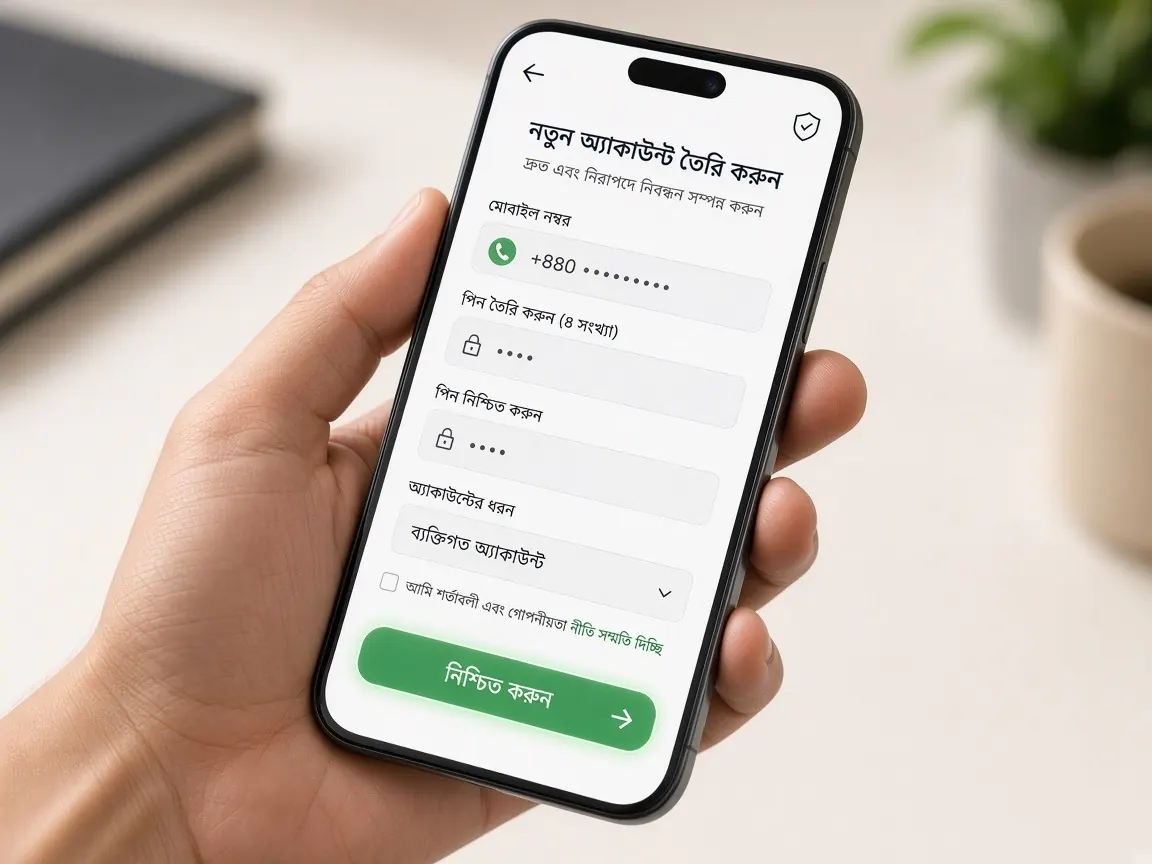
Logging in really takes two minutes, but on a cheap phone, an old browser or a weak network it can sometimes become annoying. This page puts the steps and fixes for common phone problems in one place. Remember, this is an unofficial guide site — there is no login form here; you sign in only in the official lobby.
How to log in to 786JL on your phone
- Tap the lobby button on this page, or open the app if you already installed it.
- Wait until the page fully loads; on slow data, buttons may become active a little late.
- Choose "Login" or "Sign in".
- Enter the mobile number you used when registering, and your password.
- If an OTP is requested, type the code from the SMS yourself — do not forward it to anyone.
- When you see your balance and menu on the home screen, the login worked.
Logging in on the browser vs the app
The same account works in both places. When you log in on a browser, Chrome or Safari may offer to save your password. On your own personal phone, saving it is convenient; but if you share the phone with family, it is better not to save it, and log out when you finish playing.
In the app, you usually stay logged in after the first time. But if you clear the app's data, after a big update or when you change phones, you will need your password again — so write it down somewhere safe.
Can't log in? What to check on your phone
The page keeps loading but never opens
This is very common on 3G or weak 4G. Turn mobile data off and on again, or switch on airplane mode for a short time and then turn it off. If Wi-Fi is nearby, try it.
It says "wrong password"
If your Bangla keyboard is on, numbers or letters are often typed in Bangla. Switch the keyboard to English, and check Caps Lock and auto-correct. Also check whether the browser is auto-filling an old saved password.
The OTP is not arriving
Check that your SIM has network and that your SMS inbox is not full. On a dual-SIM phone, make sure the SIM with the number your account was opened on is active. Do not keep pressing "Resend"; wait a while and then try again.
White or blank screen after logging in
Clear the browser cache and cookies and try again. On Android: Settings → Apps → browser or app → Storage → Clear cache. On iPhone: Settings → Safari → Clear History and Website Data (this will also log you out of other sites). More details on the app page.
Keep getting logged out?
If you are asked to log in again every little while, the cause is usually on the phone's side. Android phones with low RAM close apps and browser tabs running in the background, so the session is lost. Some "cleaner" or "battery saver" apps delete cookies on their own — exclude your browser or the lobby app in their settings. If you play in a Chrome Incognito tab, you will be logged out as soon as you close the tab; this is normal.
If your phone's date and time are wrong, logins may not stay on some sites either. Go to Settings and check that "Automatic date and time" is turned on.
Using the same account on more than one phone
When you log in on a new phone, it is not unusual to be logged out of the old one or to be asked for extra verification. Avoid logging in on phones that are not yours. Before selling or giving away an old phone, log out of the lobby, delete the app and remove saved passwords from the browser.
If you forgot your password
If the lobby's login screen has a reset option, use it; otherwise contact the live chat inside the lobby. Real support will never ask for your password or OTP. If someone on SMS, WhatsApp or Telegram says "I will fix your account" and asks for a code, it is a scam. For official news: 786JL. To learn how to recognise real support, see the customer service guide.
Quick checklist for a safe login
- Before logging in, tap the address bar and check the full address once — if in doubt, read the fake sites guide.
- If you log in on public Wi-Fi or someone else's phone, always log out at the end.
- Keep a screen lock on your phone so no one can easily open the app if it is lost.
- If you do not have an account yet, see the register guide first.
More questions about logging in
My account got locked after a few wrong passwords. What should I do?
Stop guessing more passwords; repeated wrong attempts can make things harder to sort out. Wait a while, then look for a reset option on the login screen. If there is none, ask the lobby's live chat for help and tell them the number you registered with. Do not open a new account in the meantime.
I lost the SIM my account was opened with. How do I log in?
First get a replacement SIM for the same number from your mobile operator's customer care, so the OTP reaches that number again. If you remember your password you may be able to get in without the SIM, but if extra verification is asked for, tell the lobby's live chat. Why accurate profile details matter is explained in the account verification guide.
How can I tell whether the login page on my phone is real?
The first question is where you opened it from. This guide's button or your own bookmark is fine; a link someone sent you deserves suspicion. If a login page asks for your bKash, Nagad or Rocket PIN, it is definitely fake. Tricks for checking the address on a small screen are in the guide to spotting the real lobby.
I logged in, but my balance or past history is not showing. Why?
First check that you signed in with the right number. On dual-SIM phones people often log in with the other number by mistake, and some even open a new account without realising. Refresh the page once, because the balance loads late on slow data. If it still does not match, take a screenshot and tell the lobby's live chat.
What should I do if I think someone else has got into my account?
If the lobby has an option to change your password, change it right away, and log out anywhere else you might still be signed in, such as another phone or browser. Then tell live chat what looked wrong. If you recently told someone an OTP, that is most likely how it happened. Learn to spot these traps in the agent and scam guide.
This is an unofficial information site, not the official site. Login, balance and cashier are only in the lobby. 18+ only — play within your own limits.