
786JL lobby or shortcut won't open — what to check on a budget phone
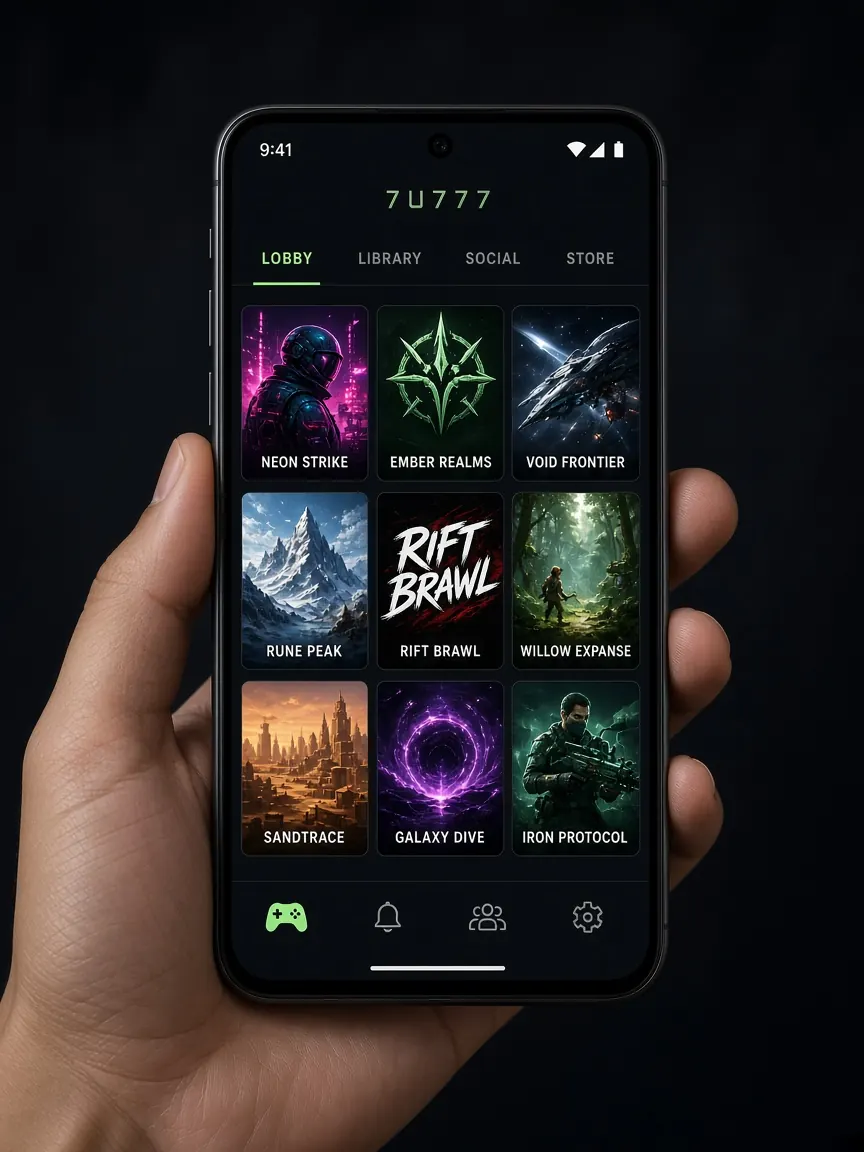
You tap the home-screen icon and get a white page, a spinning wheel or "page didn't load" — a very familiar sight on budget phones. Most of the time the problem is inside the phone: full storage, an empty data pack, old cache or a browser glitch. This page puts the checks in the order that uses the least data, so you can find the cause with only a few MB. No file download is needed.
First, is the problem the phone, the network, or just the shortcut?
Before changing random settings, do three quick tests. They use almost no data and tell you which step comes next.
- Open another light website. If that doesn't open either, the problem is the network — go to the network section below.
- Skip the shortcut and open the lobby in the browser. Use the lobby button on this guide or your own bookmark. If it opens in the browser but not from the icon, the shortcut is at fault.
- Restart the phone once. On low-RAM phones a stuck browser process often clears this way.
Remember which step you got stuck on. If you need to contact support later, that is the most useful detail.
Why does the lobby show white when the data pack or network is weak?
On the first load the lobby pulls images, buttons and the game list together. If a small pack has run out or the speed has been throttled, the page frame arrives but the rest doesn't — so you see a white or half-built page.
- Check the remaining MB and validity of your pack with your operator's balance code or app.
- On a dual-SIM phone, check in settings which SIM has mobile data turned on. Many people buy the pack on one SIM while data runs on the other.
- Turn airplane mode on for a few seconds, then off, and try again.
- If you have one bar of signal, move near a window or outdoors. Dropping from 4G indoors is very common.
- "Data saver" or "lite mode" can block parts of some pages; switch it off once just for the lobby to test.
Even when the network is fine, don't keep hitting refresh. Each refresh uses data again, and if something is wrong the result is the same. More tips for light use are in the low-data lobby guide.
What happens when phone storage is full, and what should you delete?
When storage fills up on a cheap phone, the browser has no room for new files. The page starts to open but stops halfway, or tapping the shortcut does nothing. Go to Settings → Storage and check free space.
- Old videos and forwarded images in WhatsApp, Imo or Messenger usually take the most space.
- Uninstall apps you don't use; "force stop" alone does not free space.
- Look through the Downloads folder and delete old files.
Once some space is free, restart the phone and then open the lobby.
When should you clear cache and site data, and when not?
Corrupted old cache may not match the new page, giving a white screen or broken buttons. But clearing cache means everything downloads again on the next load — on a small pack that makes it a late step, not the first one.
- Clear only the lobby's site data. In Chrome, open the lobby, tap the icon next to the address → Site settings → Clear data. Your logins on other sites stay.
- If that fails, clear the whole browser cache. On Android: Settings → Apps → browser → Storage → Clear cache. "Clear all data" will log you out of every site.
- On iPhone you can remove a specific site under Settings → Safari → Advanced → Website Data.
Before clearing, make sure you remember your password. If not, read what to do if you forgot your password first, or the lobby may open but you won't get in.
How do you rebuild a broken shortcut?
A home-screen shortcut simply holds an address. After a browser update, clearing cache or switching your default browser, the old icon may stop working.
- Long-press the old icon and remove it.
- Open the official lobby in the browser from this guide's lobby button and let the page load fully.
- In Chrome: three-dot menu → "Add to Home screen"; in Safari: Share icon → "Add to Home Screen".
- Open it once from the new icon and check that the login screen or balance appears.
If someone messages you a "new app" or a file, don't open it. Make the shortcut only from the real lobby page; tips on recognising the address are in the fake sites guide.
Can an old browser get in the way?
On many cheap phones the factory browser goes years without updates, and modern pages don't run properly in it. Check the Play Store or App Store for a Chrome or Safari update; if it's large, do it when you have Wi-Fi. If the phone has two browsers, open the lobby in the other one to compare. If it works in one and not the other, make your shortcut from the one that works. A wrong date and time on the phone can also stop secure pages loading, so keep "automatic date and time" on.
Still won't open — what should you tell support?
If it still won't open after all the steps above, open the chat inside the lobby from another browser or another network and report it. Keep it short: phone model, browser name, data or Wi-Fi, which screen it gets stuck on, and what you've already tried. Add one screenshot, with no password or OTP in it. How to recognise real support is covered in the customer service guide.
Common questions about the lobby not opening
The lobby won't open — has my balance disappeared?
A page not opening means your phone or network can't reach the lobby; it has no direct link to your account balance. Log in from another browser or network and check your balance and history. If something doesn't match, report it with a screenshot in the lobby chat.
Will clearing cache delete my account?
No. Cache is just temporary files stored on your phone. Clearing it may mean logging in again and a bit more data on the next load, but your account details stay in the lobby.
It opens on Wi-Fi but not on mobile data — why?
Usually the pack has run out, data is on the wrong SIM, or the signal is weak. Check the remaining MB and the active SIM, and toggle airplane mode once. If it still fails, tell the lobby chat which operator you're having trouble with.
Someone says downloading a separate file will make the lobby open — should I?
No. Don't download files from unknown links or messages. A browser or a shortcut made from the real page is all you need to open the lobby. If you want the app, get it only from the lobby's own button.
Once the lobby opens, set your time and budget limits first — see the responsible play page.
This is an unofficial information site, not official and not a game server. Login, balance and cashier only in the official lobby. 18+ only.