
Forgot Your 786JL Password? Steps to Reset It From a Budget Phone on Low Data
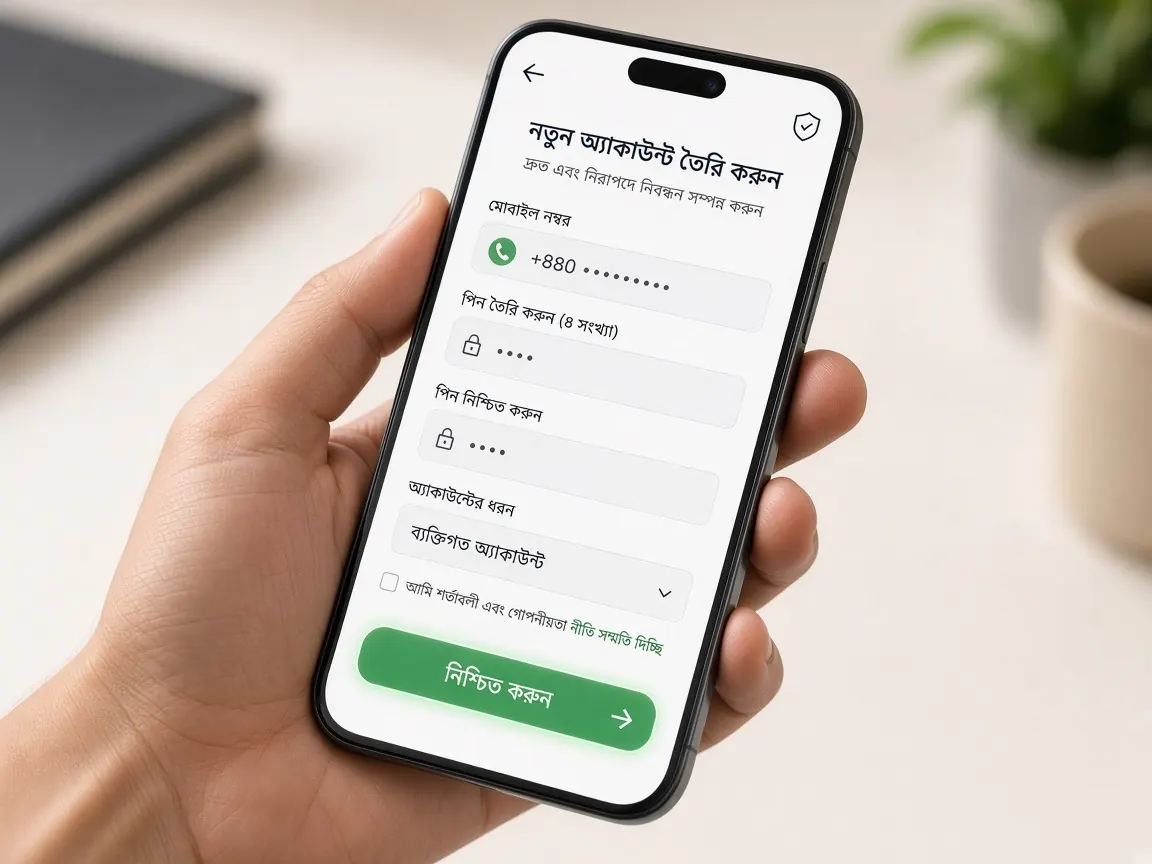
Forgetting a password is very common — especially after app data gets wiped, you switch phones, or the browser stops remembering it. The good news is that a reset is a small job that needs little data, as long as you follow the right order. This page gives that order, plus fixes for the spots where budget phones get stuck. It is an unofficial guide; there is no login or reset form here, and the job is done only in the official lobby.
Before resetting, is the password really wrong, or is it something else?
Often the password is fine and the problem is elsewhere. Spend a minute on these before resetting — it saves both an OTP and data:
- Keyboard language: with the Bangla keyboard on, letters or numbers switch to Bangla. Change to English.
- Upper and lower case: whether caps is on, or the first letter capitalises itself.
- Autocorrect: some keyboards "correct" passwords too.
- An old saved password: whether the browser is filling in an old password automatically. Clear the field and type it yourself.
- Wrong number or username: on dual-SIM phones many people try the other number.
Other login problems — the page not opening, repeated logouts — are in the login guide.
What is the usual order for resetting a password on a phone?
Wording and screens can differ by lobby, but it usually goes like this:
- Open the lobby's login screen; wait until the page has fully loaded.
- Look near the login fields for the forgot-password option — under whatever name the lobby shows.
- Enter your registered mobile number.
- Type in the OTP from the SMS yourself.
- Enter the new password twice, then log in with it to test.
If there is no reset option on the login screen, contact the lobby's live chat — see the support guide for how to reach it.
The reset OTP is not arriving — what do you check on a dual-SIM phone?
- Whether the SIM for your registered number is in the phone and switched on. Many people leave that SIM in another phone.
- Whether there is signal; if it is weak indoors, move near a window.
- Whether the SMS inbox is full, and whether messages are going to the other SIM's folder.
- Whether a spam-blocker app is holding back SMS from unknown senders.
- Do not keep pressing "resend"; wait a while. Repeated presses can trigger a temporary block, and usually only the last code sent works.
What kind of new password is easy to remember and type on a budget phone?
A very complex password keeps going wrong on a small keyboard, while a very simple one is risky. The middle way:
- A mix of a few words and numbers that means something to you but is not guessable by others.
- Do not use your birthday, phone number or name on its own.
- Never use the same thing for your wallet PIN and lobby password.
- If you add a special character, pick one that is easy to reach on your keyboard.
Write the new password on paper and keep it somewhere safe. On a shared phone, do not save it in the browser.
The registered SIM is lost or switched off — now what?
Since the OTP goes to that number, a reset usually cannot happen without the SIM. First try to get a replacement SIM for the same number from your operator — ask them whether this can be done with your national ID. If that is not possible, tell the lobby's live chat; they may verify your identity and suggest another route. Do not open a new account in the meantime — several accounts for one person can cause problems.
What should you do after a reset to keep the account safe?
- Log out once and log back in with the new password — make sure it really works.
- Check that the name and mobile number in your profile are correct; report any change you do not recognise to chat.
- Glance through your deposit and withdrawal history for any transaction you do not know about.
- If you are still logged in on an old phone or someone else's phone, log out there.
- If a "cleaner" app keeps wiping cookies and logging you out, exclude the browser or lobby app in its settings — fewer password retypes.
"I will recover your password" — whom should you not trust?
Be careful if someone on a Facebook group, Telegram or an unknown number offers to unlock your account. They usually ask for your OTP, and once they have it the account is theirs. Resets happen only on the lobby's own screen or in the chat inside the lobby. Anyone asking for a fee is running a scam. If gaming is causing you stress or worry, see the responsible play page.
After a reset, do I need the new password in both the app and the browser?
Yes, it is one account, so the new password works everywhere. If the old one is saved, delete it and enter the new one.
Does changing the password affect my balance or bonus?
Usually not. The password is just the key to log in. If you see anything that does not match, tell lobby chat.
I do not remember my username either — will the number alone work?
Many lobbies allow login or reset with the mobile number alone. If not, look for an SMS or screenshot from when you registered, then ask lobby chat.
How many times can I reset?
For security, the lobby may briefly block repeated attempts in a short time. If you are blocked, wait a while or ask chat.
I suspect someone else knows my password — what should I do?
Change the password right away, check whether other phones have been logged out, and tell lobby chat. Never give anyone your OTP.
Unofficial guide, not the official site. There is no login form on this page. Resets happen only in the lobby. 18+ only.