
The 786JL lobby on low mobile data — fewer hassles on a weak network
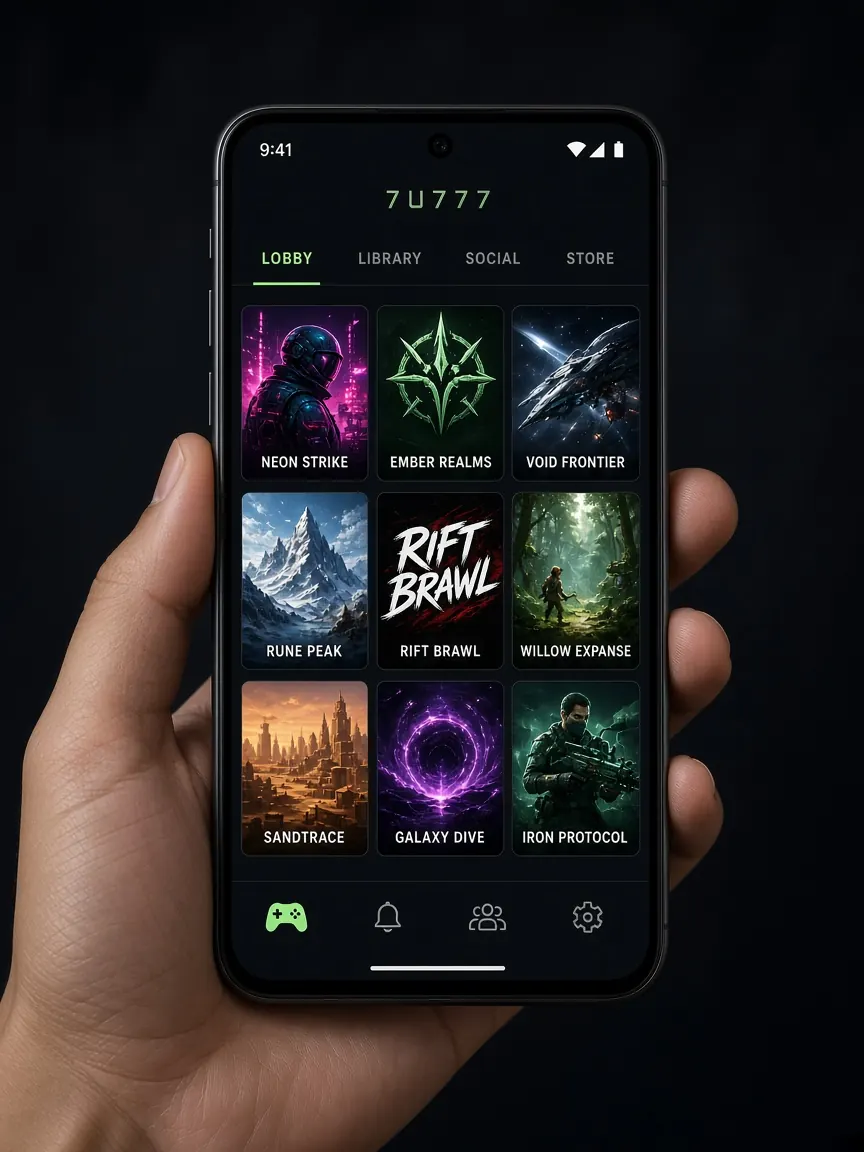
In a village, on a moving bus, in the corner of a building or at the end of the month when the data pack is running out — many people in Bangladesh use their phones on weak mobile networks. Then the lobby opens slowly, games freeze and the cashier page keeps spinning. This page covers what you can fix yourself on the phone side: where to open the lobby from, when to clear the cache, when to use Wi-Fi and when data, and which kinds of games are relatively light on a weak connection. No speed or data figures are given here, because they vary by phone, area and operator.
Why does the lobby feel so slow on a weak network?
This guide does not know what happens on the lobby's servers, but on your phone's side a few common causes often apply:
- Fluctuating signal: with few signal bars, or when the network keeps switching, pages load halfway and stop.
- Other apps in the background: video apps, auto-updates or cloud photo backups quietly use data.
- Too many tabs open: old browser tabs sometimes refresh too and hold on to RAM.
- Built-up or broken cache: old files sometimes stop a page from laying out properly, or make it show blank.
What to do first: close other apps, keep only one lobby tab in the browser, and limit app store auto-updates to Wi-Fi only in your phone settings. On Android, turning on "Data Saver" reduces background app data, but you can put the lobby app on the exception list so it still works properly.
Browser, home-screen shortcut or app — which suits low data?
All three use the same account and the same lobby. The difference is mainly how long your session lasts on the phone and how often things have to load again.
- Browser: nothing to install and no phone storage needed. But the lobby page gets lost among many tabs, and on a low-RAM phone the tab closes in the background and reloads fully.
- Home-screen shortcut: a middle option. On Android, open the lobby in Chrome and choose "Add to Home screen" from the three-dot menu at the top. On iPhone, use "Add to Home Screen" from Safari's share button. After that, one tap on the icon opens the lobby directly — no hunting for tabs, and less risk of landing on a fake link by mistake.
- Lobby app: usually remembers your login longer. But the first download and later updates use data, so it is better to do them on Wi-Fi. Get the app only from the lobby's own button — download guide.
If your phone is short on storage and data is limited too, starting with the home-screen shortcut makes sense. Details on installing and saving space on Android and iPhone are on the app page.
When and how should you clear the cache?
The cache is old files stored on your phone so everything doesn't have to be downloaded fresh each time. So on low data, clearing the cache every day can actually use more data. Clear it only when a problem appears:
- The lobby opens to a white or blank page.
- Buttons do nothing when tapped, or the page layout looks broken.
- The old screen still shows after an update.
On Android: Settings → Apps → Chrome or the lobby app → Storage → "Clear cache". Do not tap "Clear data" — that wipes everything including your login. On iPhone, for Safari you can go to Settings → Safari → Advanced → Website Data and remove just the lobby site, so other sites stay logged in. It is normal for the lobby to take a little longer the first time after clearing the cache. Make sure you remember your password before clearing it.
Wi-Fi or mobile data — when should you use which?
If you have stable Wi-Fi, do the big jobs there: downloading or updating the app, opening the lobby for the first time, and uploading verification photos. Mobile data may be enough for everyday small tasks.
But keep a few things in mind:
- Weak Wi-Fi: when the Wi-Fi signal is low, the phone keeps jumping between Wi-Fi and data, and pages get stuck. If that happens, turn Wi-Fi off and use only data, or the other way round.
- Public Wi-Fi: avoid logging in and making transactions on open Wi-Fi in shops, stations or hotels.
- When the signal gets stuck: turning airplane mode on briefly and off again makes the phone search for the network afresh.
- Dual SIM: choose the SIM with the better signal and an active data pack for data.
Which kinds of games feel lighter on a weak connection?
There are no exact figures here, only a general idea. Games with live video, such as live dealer tables, need a steady, continuous connection; on a weak network the picture freezes or the connection drops midway. So it is better to avoid live tables on low data — see the live casino guide to learn more about live games.
Ordinary slots or short-round games may take time to load the first time, but once open they tend to cause fewer problems. A few habits help:
- Do not open another game while one is open; play one at a time.
- If a game has an option to reduce sound or animations, you can use it.
- If the connection drops mid-round, don't keep tapping; when it returns, check the game history to see the result.
What precautions should you take with transactions and chat on a weak network?
If the page keeps spinning during a deposit or withdrawal, do not tap the button again — the same transaction could go through twice. First check your wallet app's transaction list and the lobby cashier history, then decide. If possible, make transactions sitting in one place, not on the move.
If the connection drops while you type a long message in the lobby chat, the text can be lost, so write it in your notes app first and then paste it. And don't let a running-out data pack pressure you into rushing a session; set your time and spending limits beforehand — responsible play page.
Common questions about using the lobby on low data
Are the home-screen shortcut and the app the same thing?
No. The shortcut just opens the lobby page in your browser from an icon; nothing separate is installed. The app has to be downloaded separately. You can log in to the same account on both.
Will clearing the cache delete my balance or account?
No, the cache is only files stored on your phone. Your balance and history stay with the account. But "Clear data" or deleting all cookies may mean you have to log in again.
What should I do if the connection drops in the middle of a game?
Don't panic and tap repeatedly. When the connection returns, go into the lobby and check your balance and game history. If something doesn't match, take a screenshot and tell the lobby chat.
Can I use a "lite app" someone sent me to save data?
No. Do not install apps from files or links sent by outsiders — they may be fake and could steal your information. Get the app only from the official lobby button, or use the home-screen shortcut.
This is an unofficial information site — not official and not a game server. Login, games and cashier are only in the official lobby. 18+ only.