786JL account security — staying safe on a cheap or shared phone
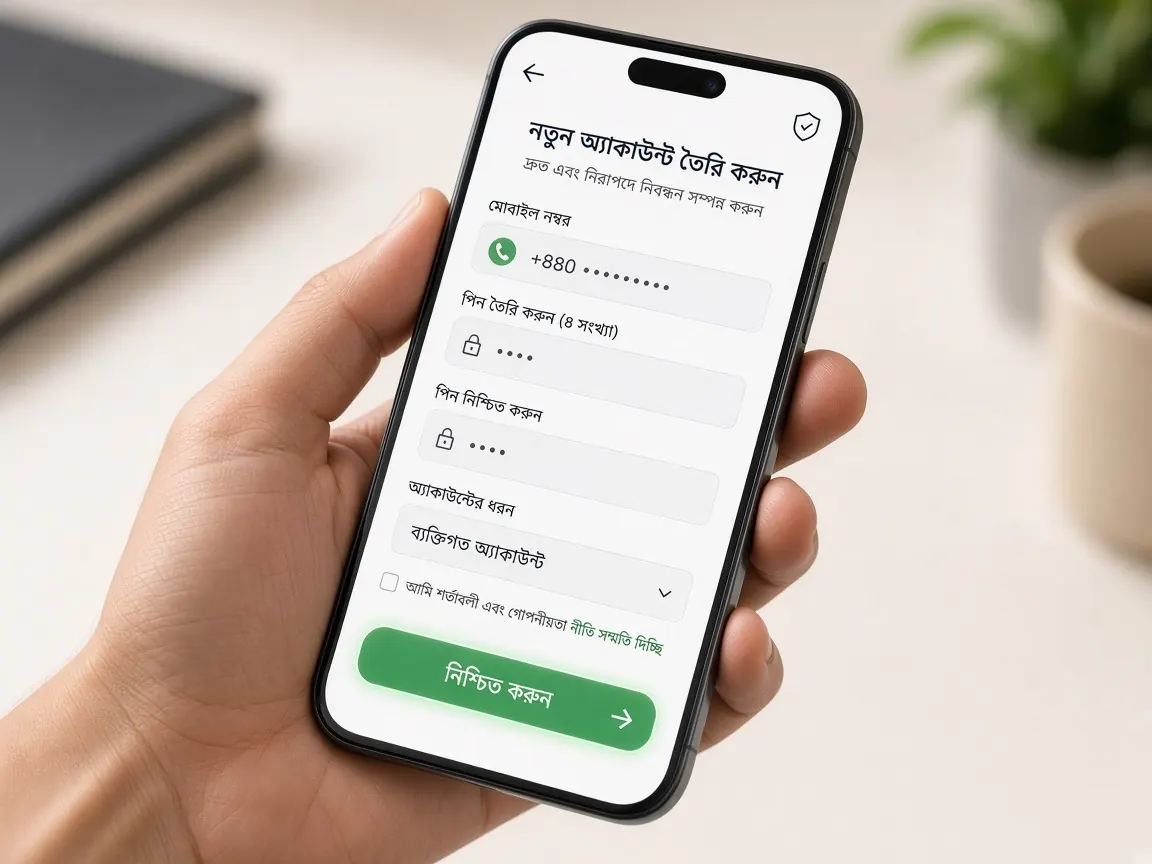
In many families several people use one phone, some carry an old second-hand handset, and others jump on a friend's hotspot when their pack runs out. In that reality, account risk usually doesn't come from clever hacking but from a phone left unlocked, a saved password, or an OTP read out to someone. This guide collects small habits that need no extra app or money — just a few minutes.
How do you keep your account separate on a shared phone?
If you share your phone with siblings, parents or friends, assume someone else can open the browser or app. Someone might tap a button by mistake without bad intent, and children may tap an open page out of curiosity. So the habits below are not just about stopping thieves, but about avoiding accidents like these too.
- Log out of the lobby when you finish; just closing the app or tab is not enough.
- When the browser asks "Save password?" on a shared phone, choose "No".
- You can open the lobby in a Chrome incognito tab — the session ends when you close it. But you'll need to log in each time and use a little more data.
- Everyone can see a home-screen shortcut. On a shared phone you could use a bookmark instead.
Which settings should you turn on now, even on a cheap phone?
Low-cost phones have basic security settings too; many people just never turn them on.
- Screen lock: set a PIN or pattern under Settings → Security. Avoid very simple patterns, like a straight line.
- Hide messages on the lock screen: in notification settings, choose not to show message content on the lock screen. Then nobody can read an OTP on a phone left on the table.
- Update the browser: old browsers keep security flaws. Update from the Play Store when you have Wi-Fi.
- Block unknown-source apps: if "install from unknown sources" is on, turn it off, and don't install files people send you.
How should you handle passwords and OTPs?
A good password is long and not used anywhere else. Don't reuse your Facebook or email password here — if one leaks, the others are at risk too. Don't build a password from your name, mobile number or birth year; those are easy to guess.
An OTP is a one-time key. Codes from the lobby or your wallet are for you alone to enter on screen. Someone calling to say "a code went to your number by mistake, read it to me" is an old trick that still works. To change a password or if you've forgotten it, see the password reset guide.
Why keep your wallet PIN and lobby password different?
Many people use the same digits for their bKash or Nagad PIN and their lobby password to make them easier to remember. Then if one leaks, both are open. Keep two separate locks: the wallet PIN only in the wallet app or USSD menu, the lobby password only on the lobby login screen.
- If any lobby page asks for your wallet PIN, that's a signal to stop — check the address again.
- When you screenshot a deposit, make sure no PIN or OTP appears in the image.
- Check your wallet's transaction SMS regularly; if you spot an unknown transaction, report it to the wallet's own helpline.
You can see the safe deposit steps in the bKash guide.
SIM, hotspots and old phones — where are the risks?
If you lose your SIM
If the SIM for your account number is lost or damaged, get a replacement SIM with the same number from your operator's customer care without delay. You can also ask them to block the number so nobody else receives your OTPs.
Someone else's hotspot or public Wi-Fi
Using a friend's hotspot or a shop's Wi-Fi when your pack runs out is common. On such networks, look carefully at the lobby address in the address bar before logging in. If an unfamiliar page asks for your mobile number and password to "turn on Wi-Fi", don't give them.
Selling or repairing an old phone
Before selling, swapping or handing your phone in for repair, log out of the lobby, delete saved passwords in the browser, and factory reset the phone if possible. If you buy a second-hand phone, reset it first yourself so no app or setting from the previous owner stays behind.
What should you do in the lobby if you suspect someone got in?
If you see unfamiliar changes to your balance, rounds in history you didn't play, or changed profile details, don't delay.
- If the lobby has a change-password option, change it straight away.
- If you're logged in on another phone or browser, log out there.
- Screenshot the unfamiliar parts of your bet and cashier history.
- Tell the chat inside the lobby briefly what you saw and when. Make sure no password or OTP is in the screenshots.
Real support never asks for your password, wallet PIN or OTP. How to recognise support is in the customer service guide, and to spot fake links read the fake sites guide.
Common questions about account security
Is it safe to save my password in the browser?
On your own phone with a screen lock the risk is relatively low. On a shared phone it's better not to save it, because anyone who picks up the phone can log straight in.
Can I let a family member play on my account?
Avoid it. The account is in your name, so its transactions are your responsibility. And never let anyone under 18 play in any way. To keep your own limits, see the responsible play page.
A stranger messaged offering to "verify my account".
Don't reply and don't tap the link. Verification and profile tasks happen only inside the lobby. Never send codes, passwords or photos in reply to unknown messages.
My phone was stolen — what should I do first?
First block the SIM with your operator and get a new SIM with the same number. Then log in to the lobby from another phone, change your password, and tell the lobby chat what happened.
I haven't logged in for a long time — what should I check before going back?
Open the lobby from this guide's button or your own bookmark, not from a link someone sent. After logging in, check that the number on your profile is correct and that there's nothing unfamiliar in your history. If in doubt, change your password.
This is an unofficial information site, not official and not a game server. Login, balance and security settings only in the official lobby. 18+ only.